湊出 10,訓練你的數感 Make 10. Train your brain.
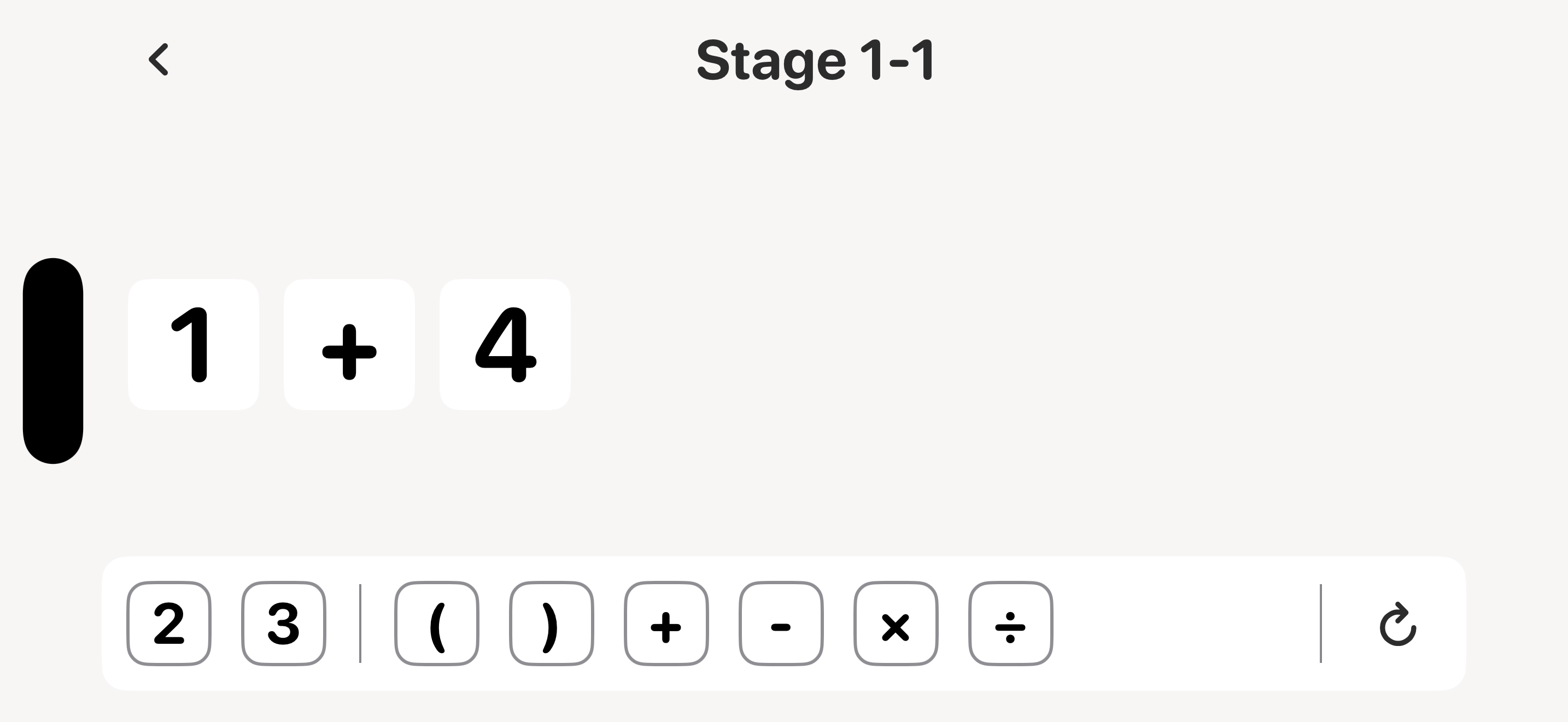
把數字與 + - × ÷ 拖在一起,組合成剛好等於 10 的算式。簡單上手,越玩越燒腦。 Drag numbers and + − × ÷ together to build an expression that equals exactly 10. Easy to pick up, delightfully tricky to master.
iPhone 與 iPad ・ 支援 5 國語言 ・ 免費下載 iPhone & iPad ・ 5 languages ・ Free to play
一個簡單的目標,無限的解法。 One simple goal, endless ways to solve it.
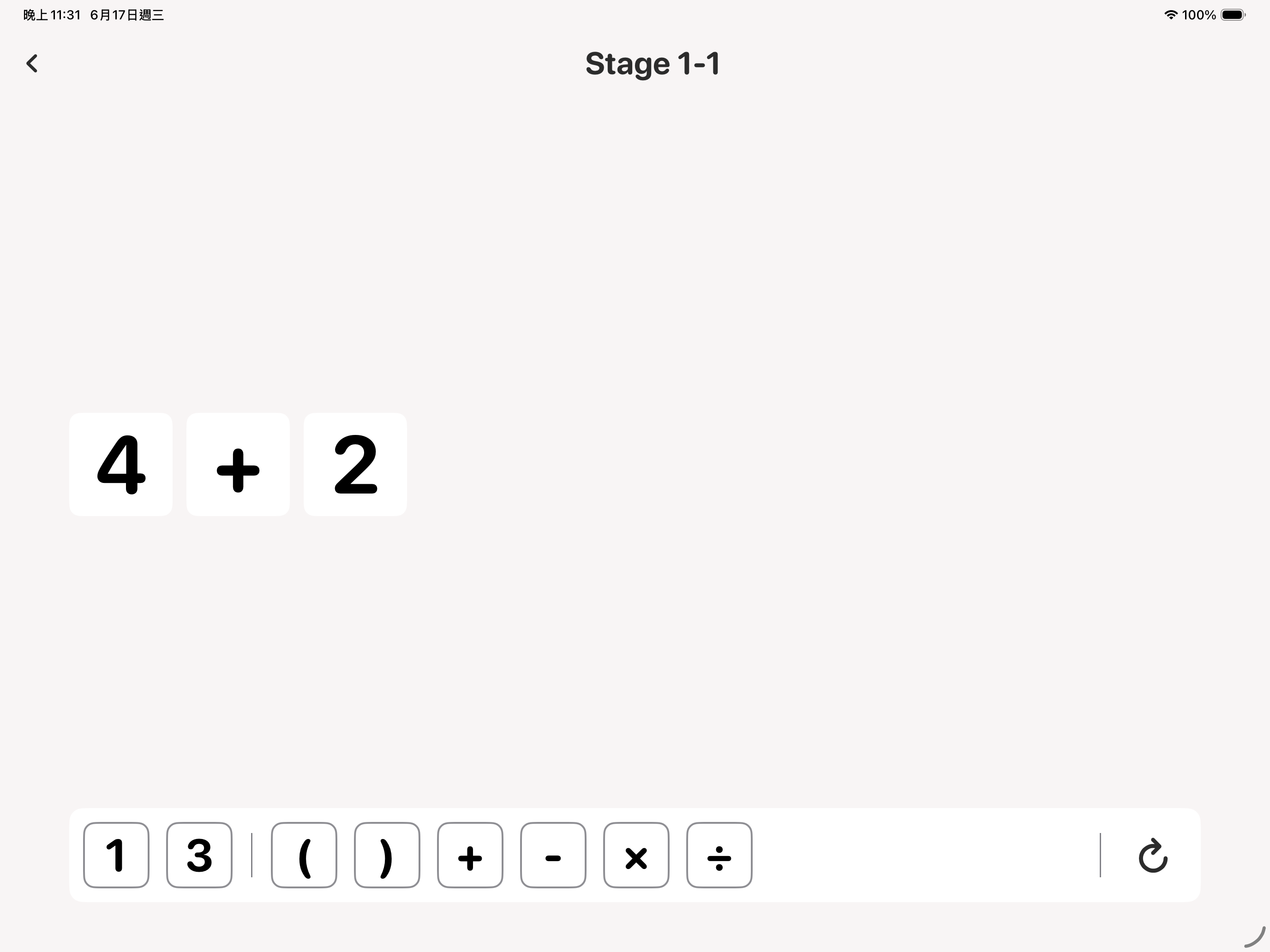
用數字和 +-×÷、括號拼出等於 10 的算式,每個數字用一次。Combine numbers with + − × ÷ and parentheses to reach 10 — each number used once.
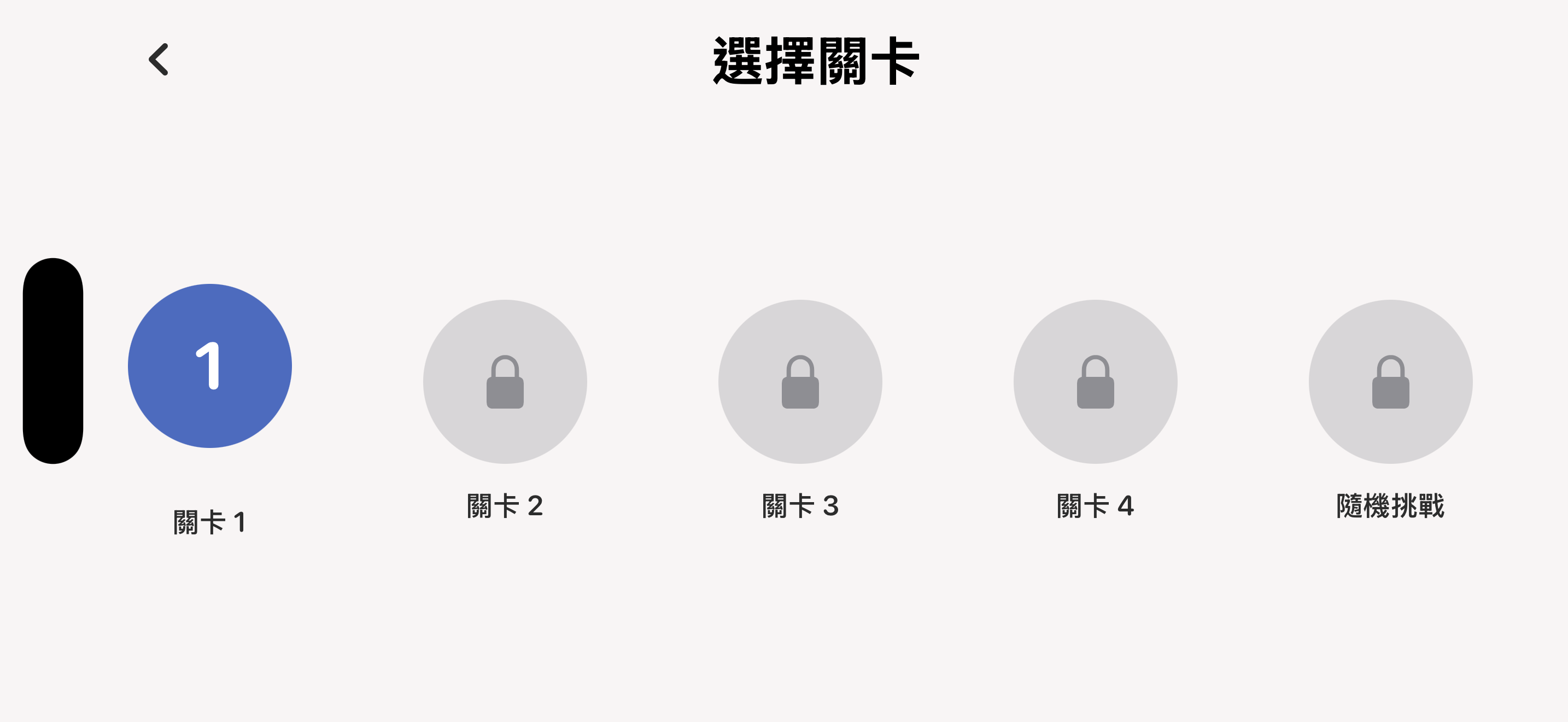
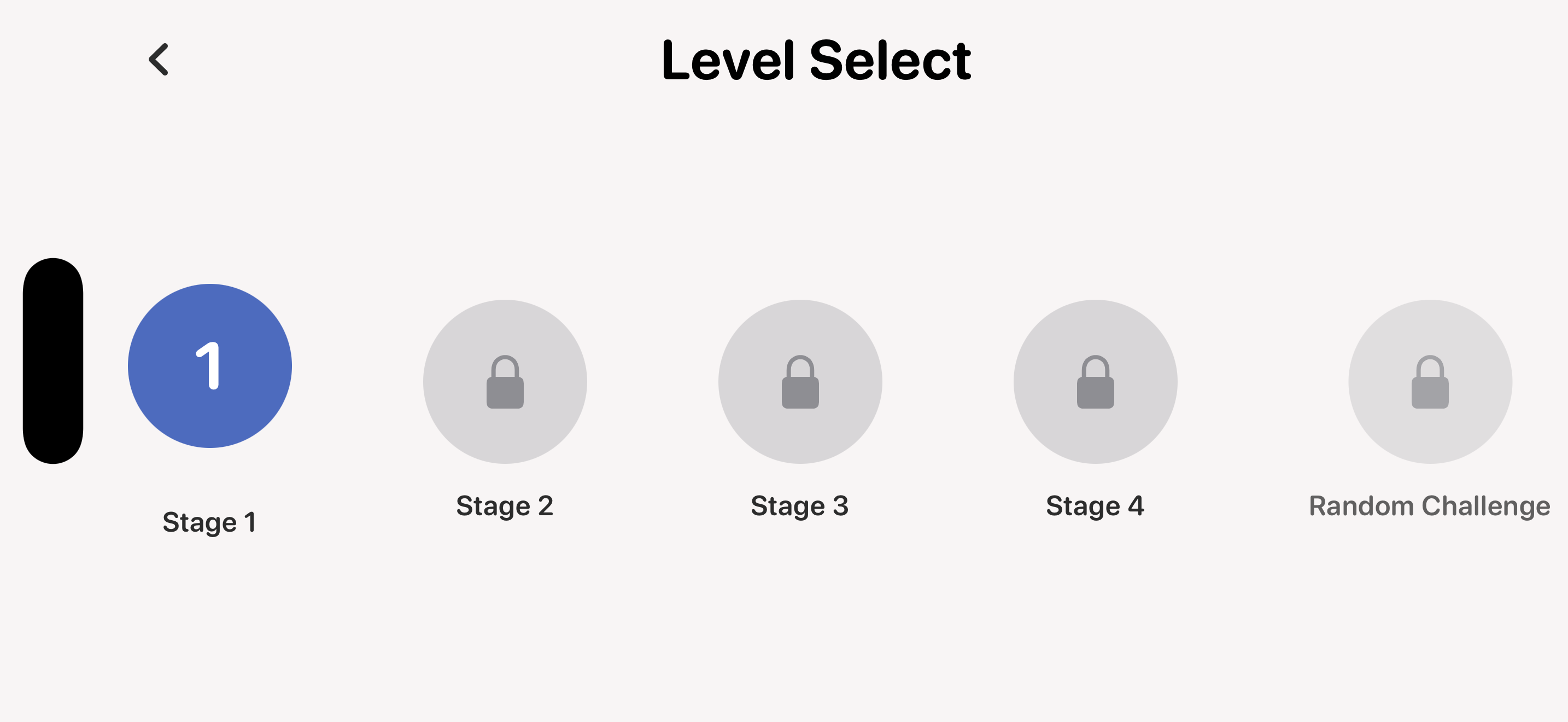
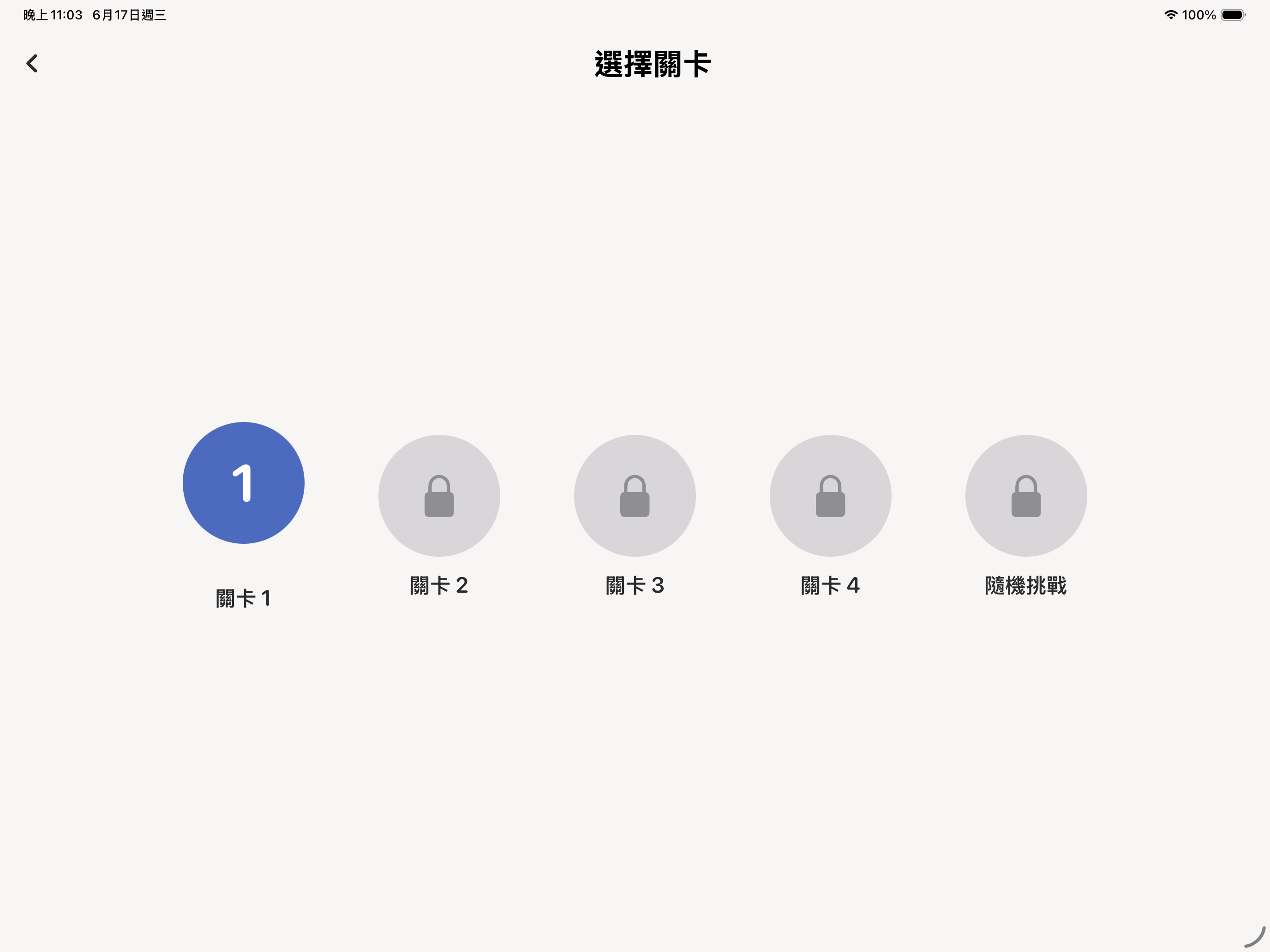
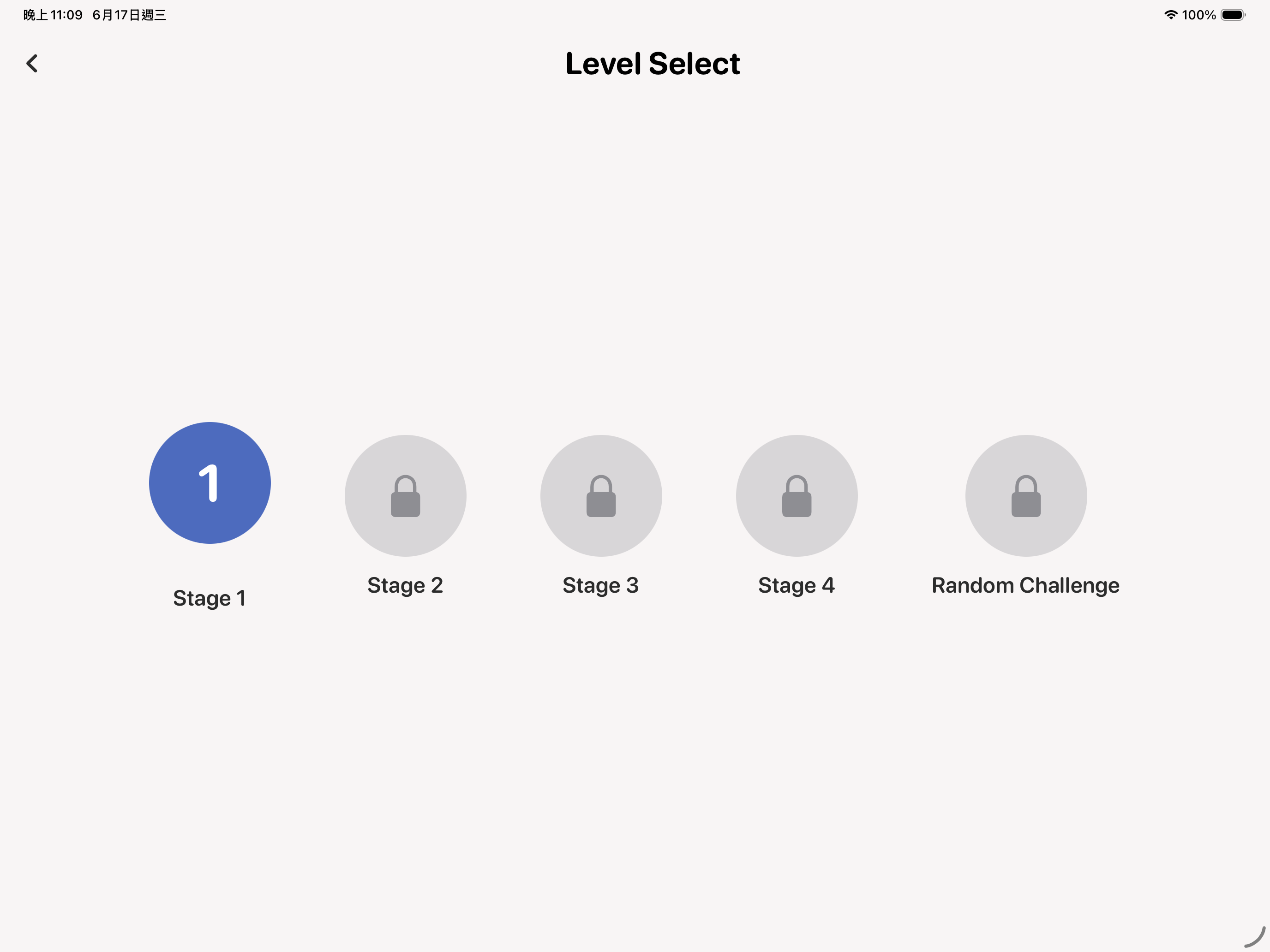
4 大關卡、每關 30 題,難度循序漸進、逐關解鎖。Four worlds of 30 levels each, unlocking gradually as your skills grow.
通關後挑戰隨機生成題目,累積你的連勝紀錄。After clearing the worlds, take on randomly generated puzzles and build your streak.
透過 Game Center 比拼完成時間與連勝,解鎖成就。Compete on Game Center for best times and streaks, and unlock achievements.
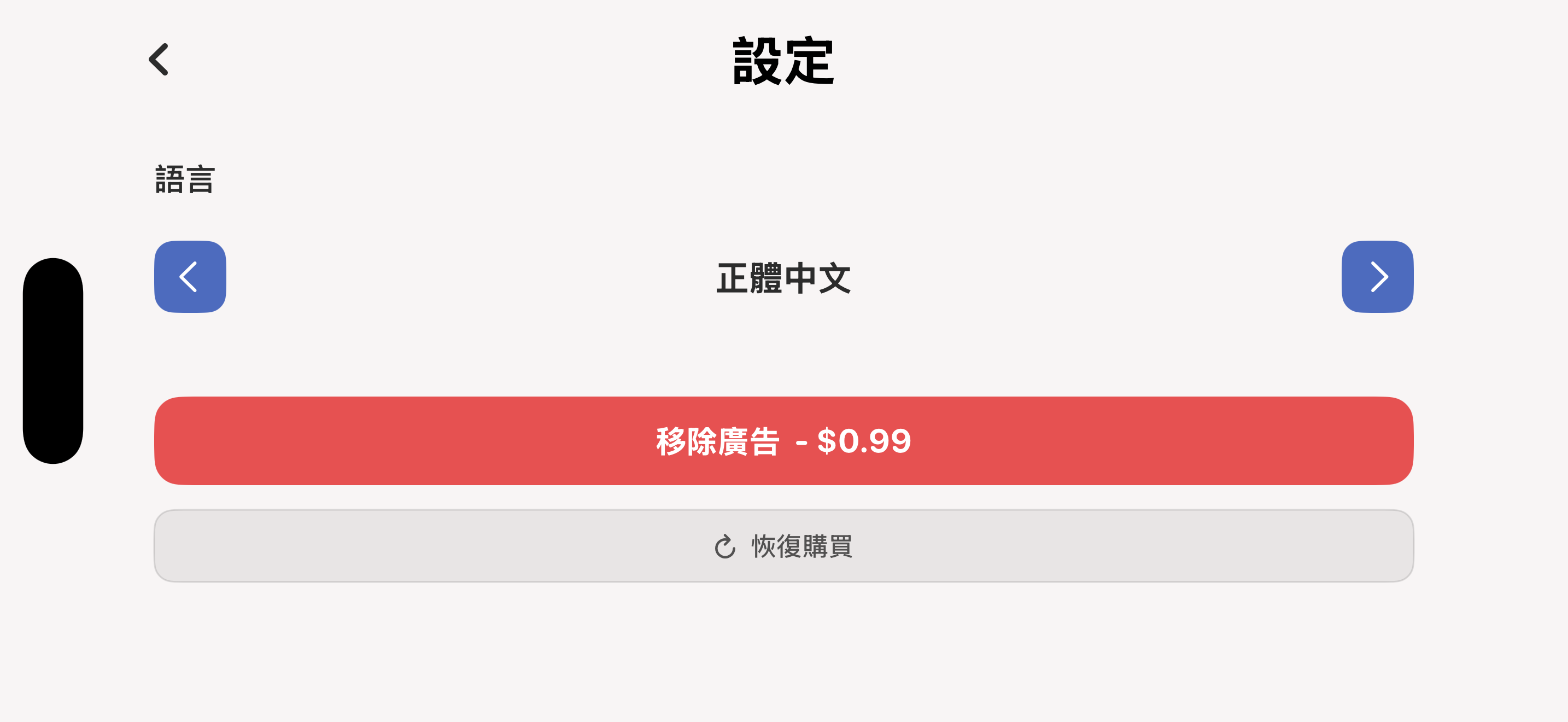
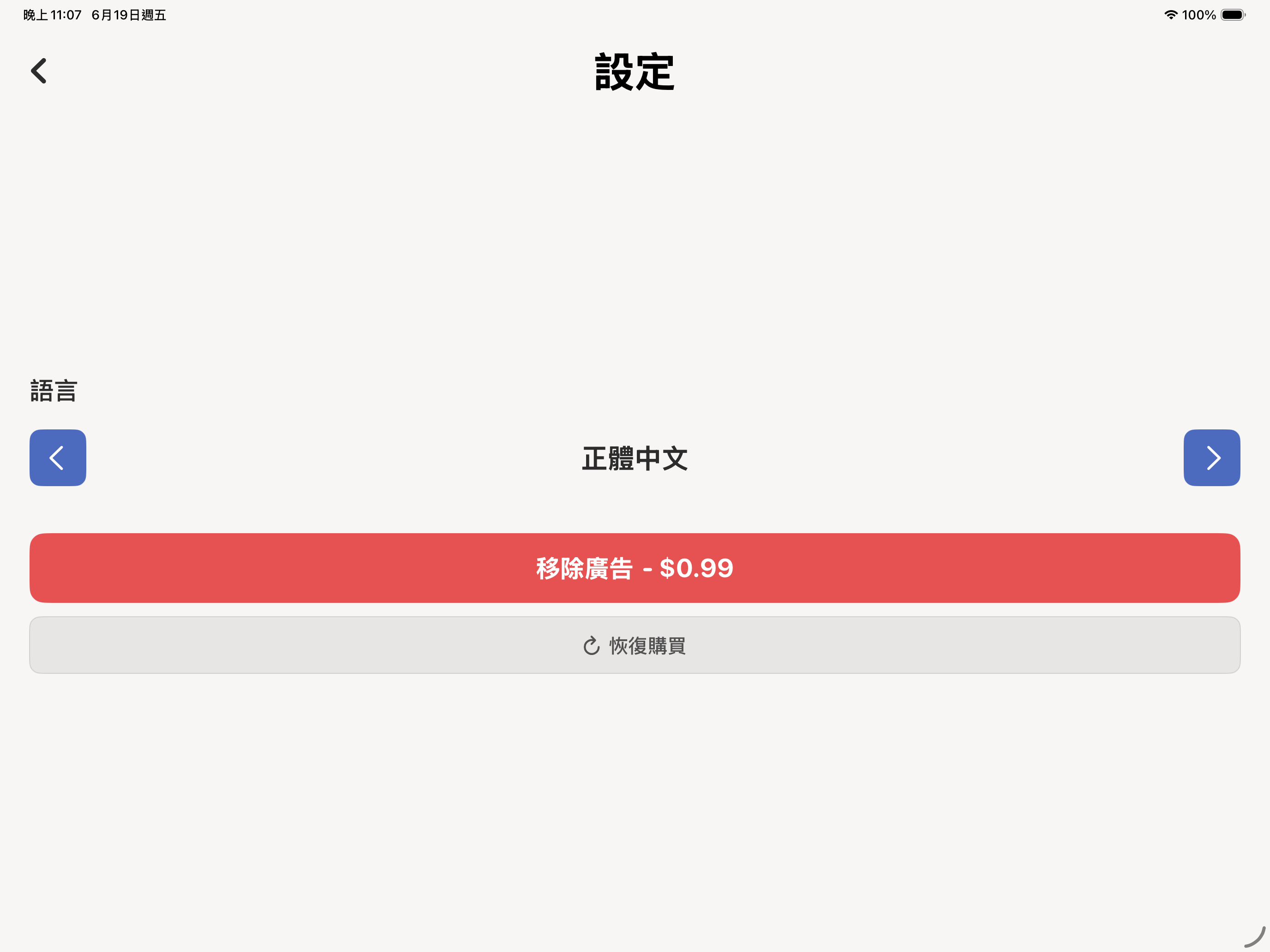
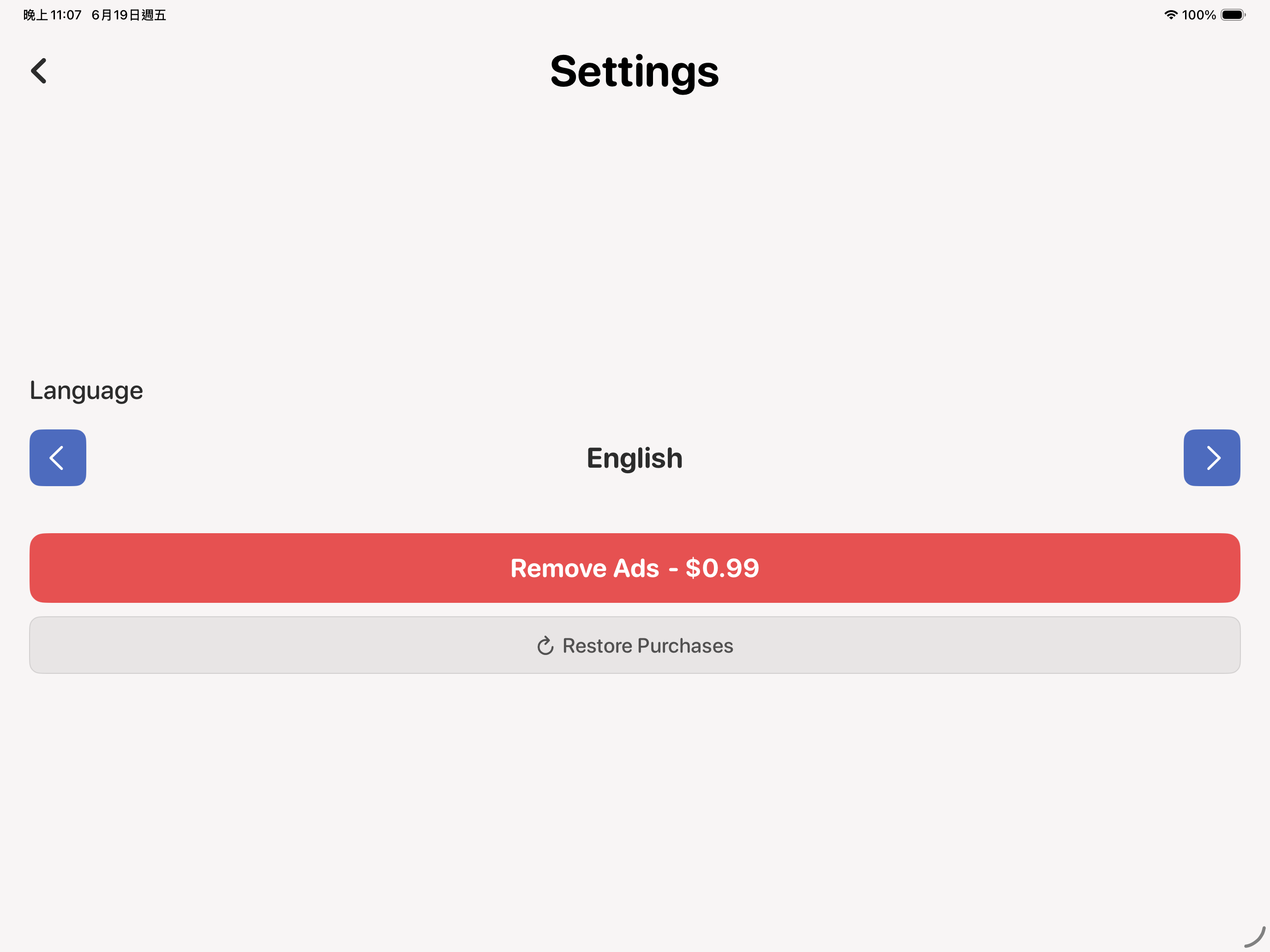
支援繁體中文、English、日本語、한국어、简体中文。English, 繁體中文, 简体中文, 日本語 and 한국어 supported.
免費遊玩;不想看廣告?一次購買即可永久移除。Free to play. Prefer no ads? A single purchase removes them for good.
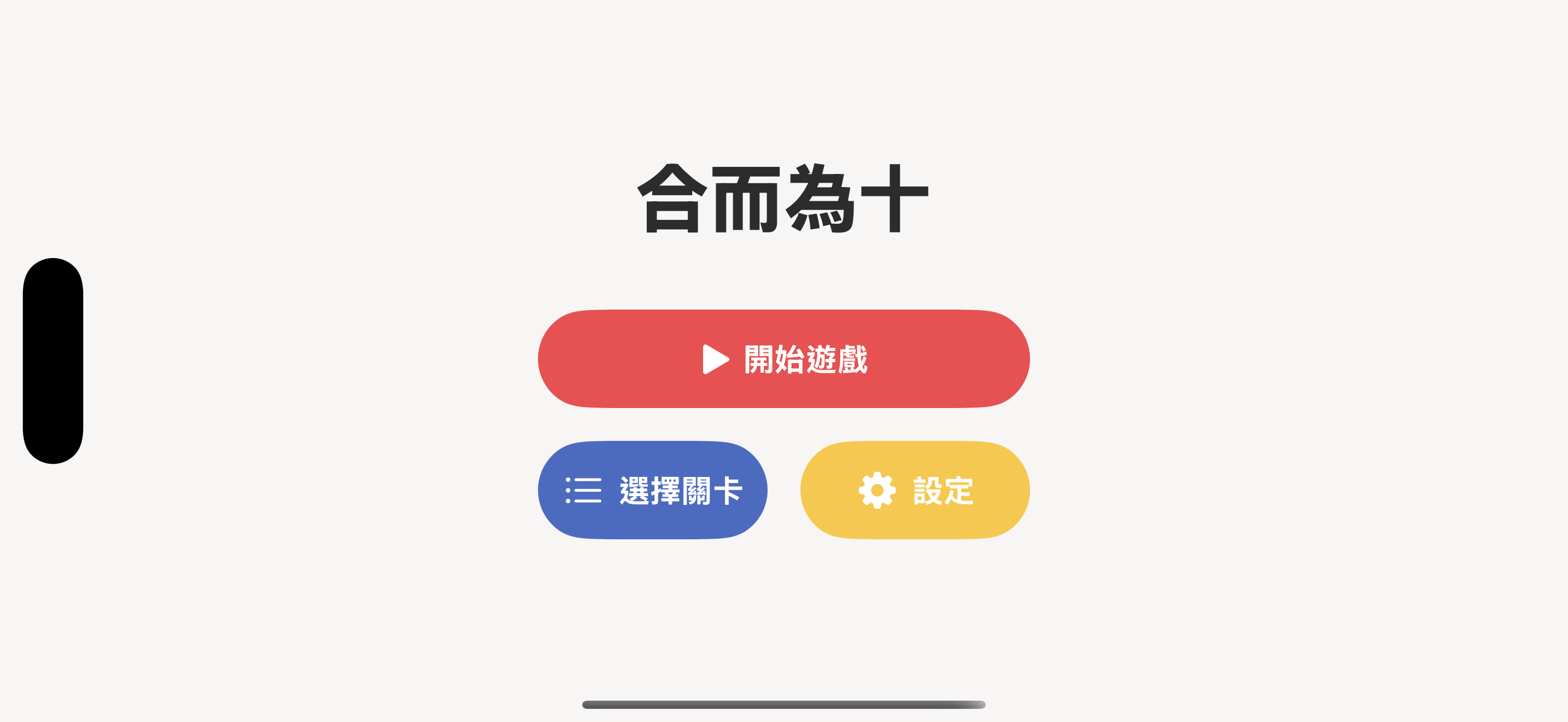
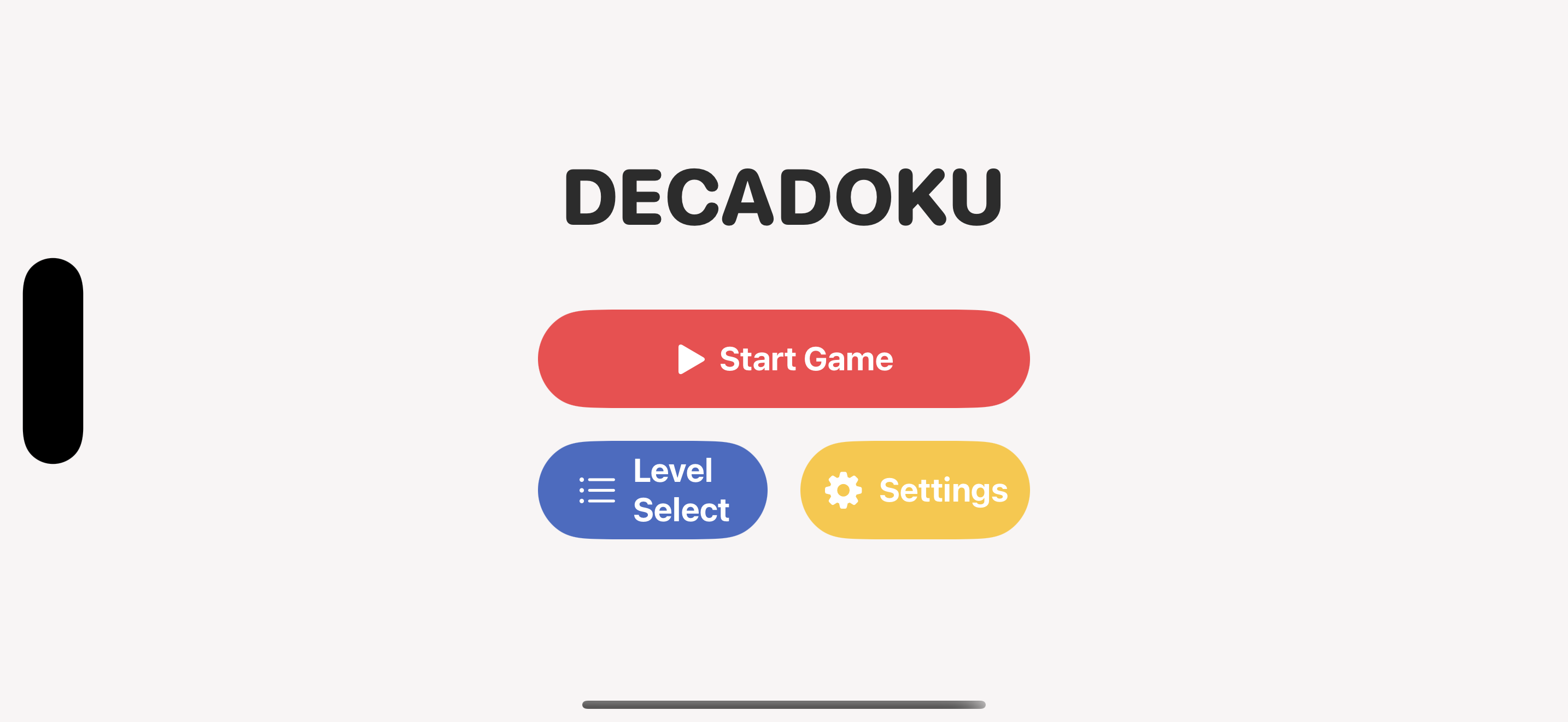
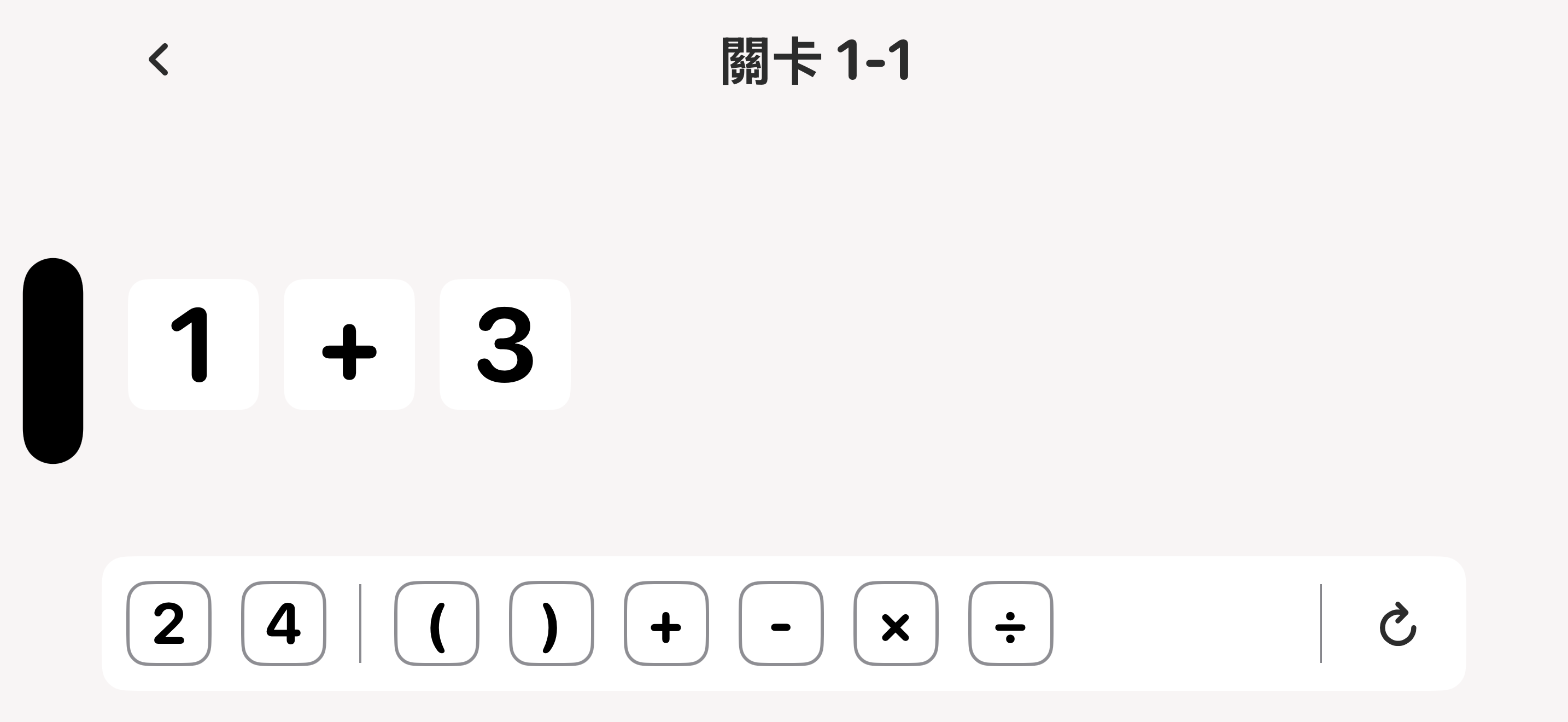
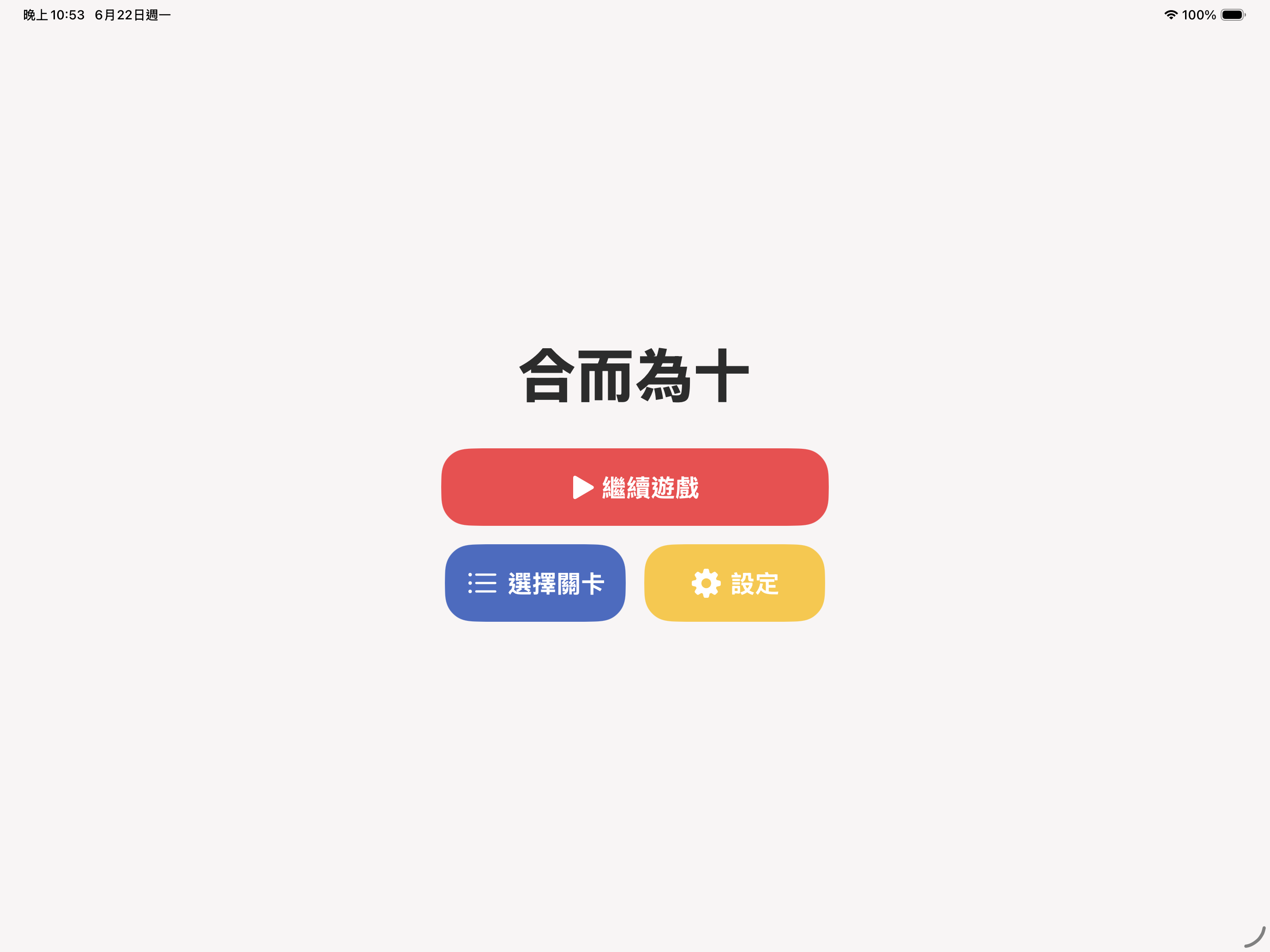
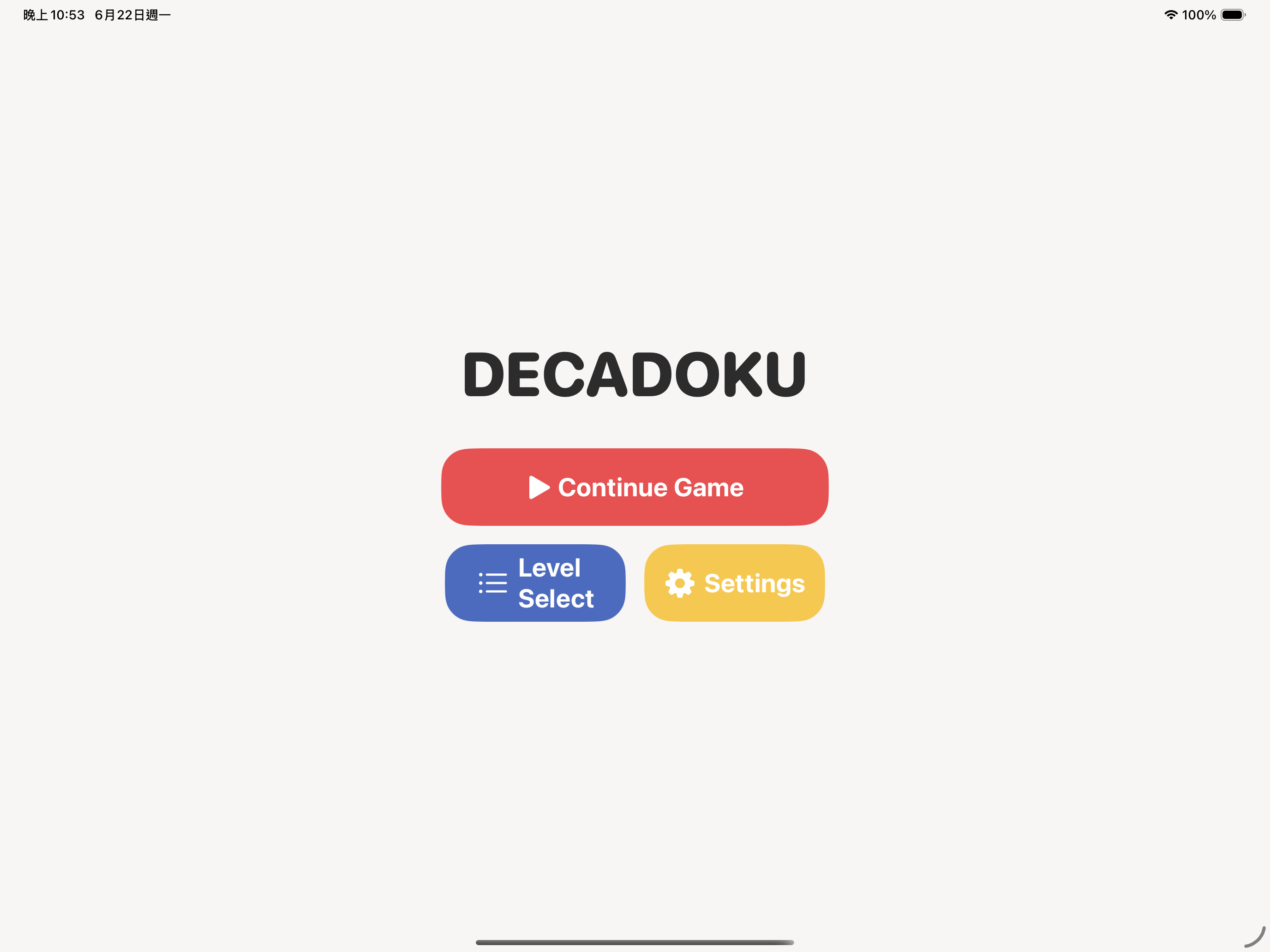
乾淨圓潤的介面,簡單好上手。 A clean, rounded interface that's easy to pick up.
iPhone
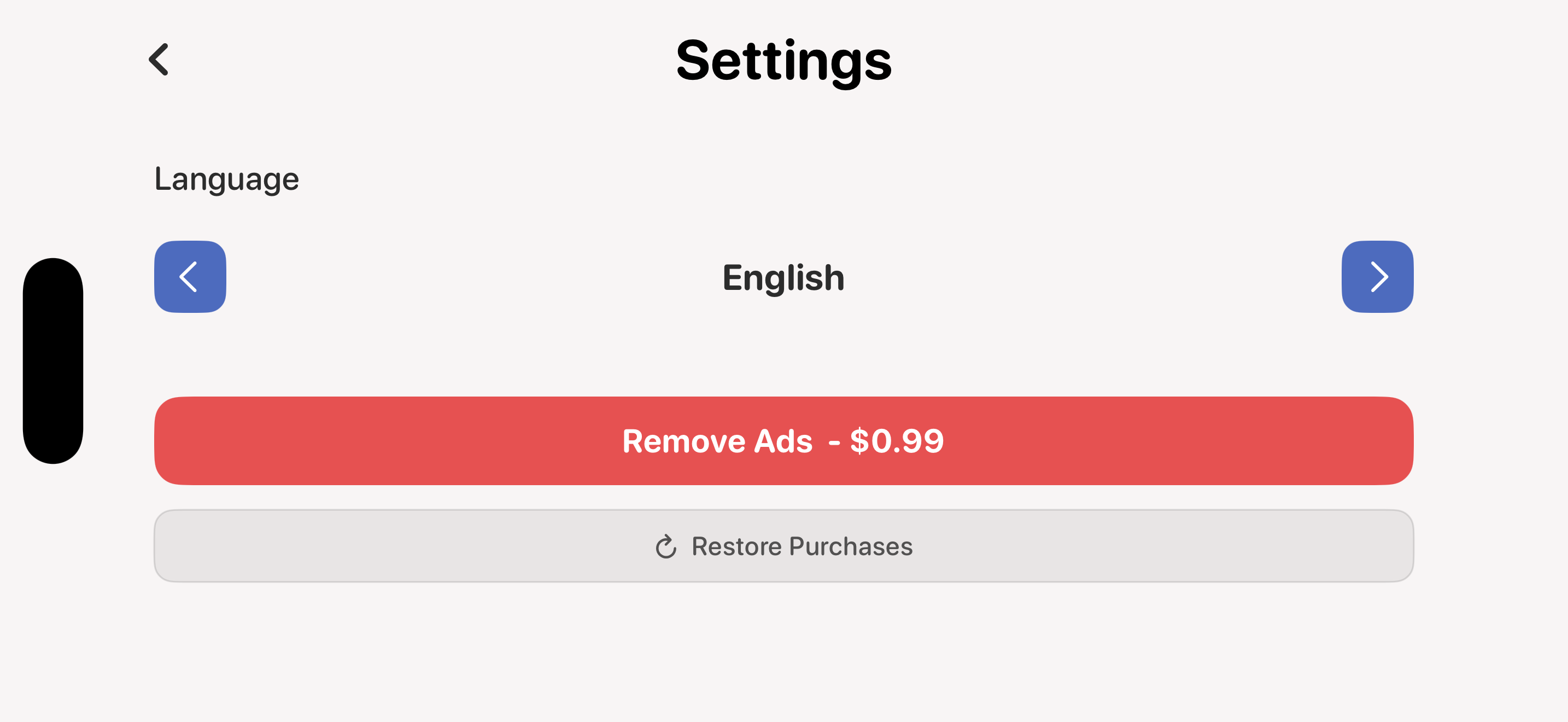
iPad
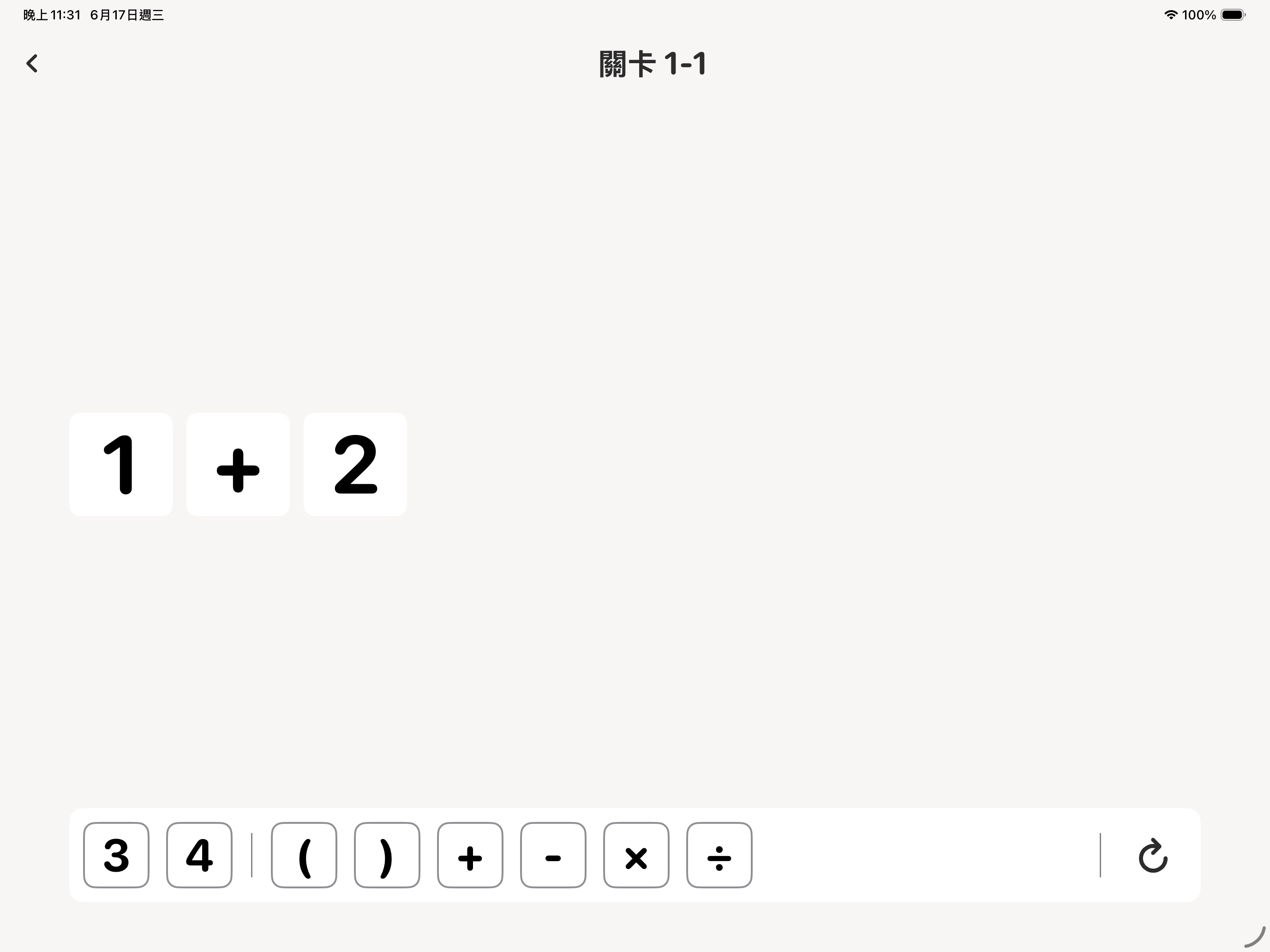
三步驟就上手。 Get going in three steps.
把數字與 +-×÷、括號從下方拖進算式區。Drag numbers and + − × ÷ from the tray into the equation area.
排出一個計算結果剛好等於 10 的算式。Arrange them into an expression that evaluates to exactly 10.
完成關卡解鎖新挑戰,登上排行榜。Clear levels to unlock new challenges and climb the leaderboards.